Check-in or panic button? The two models, and which one your people need
By Jim Hankins
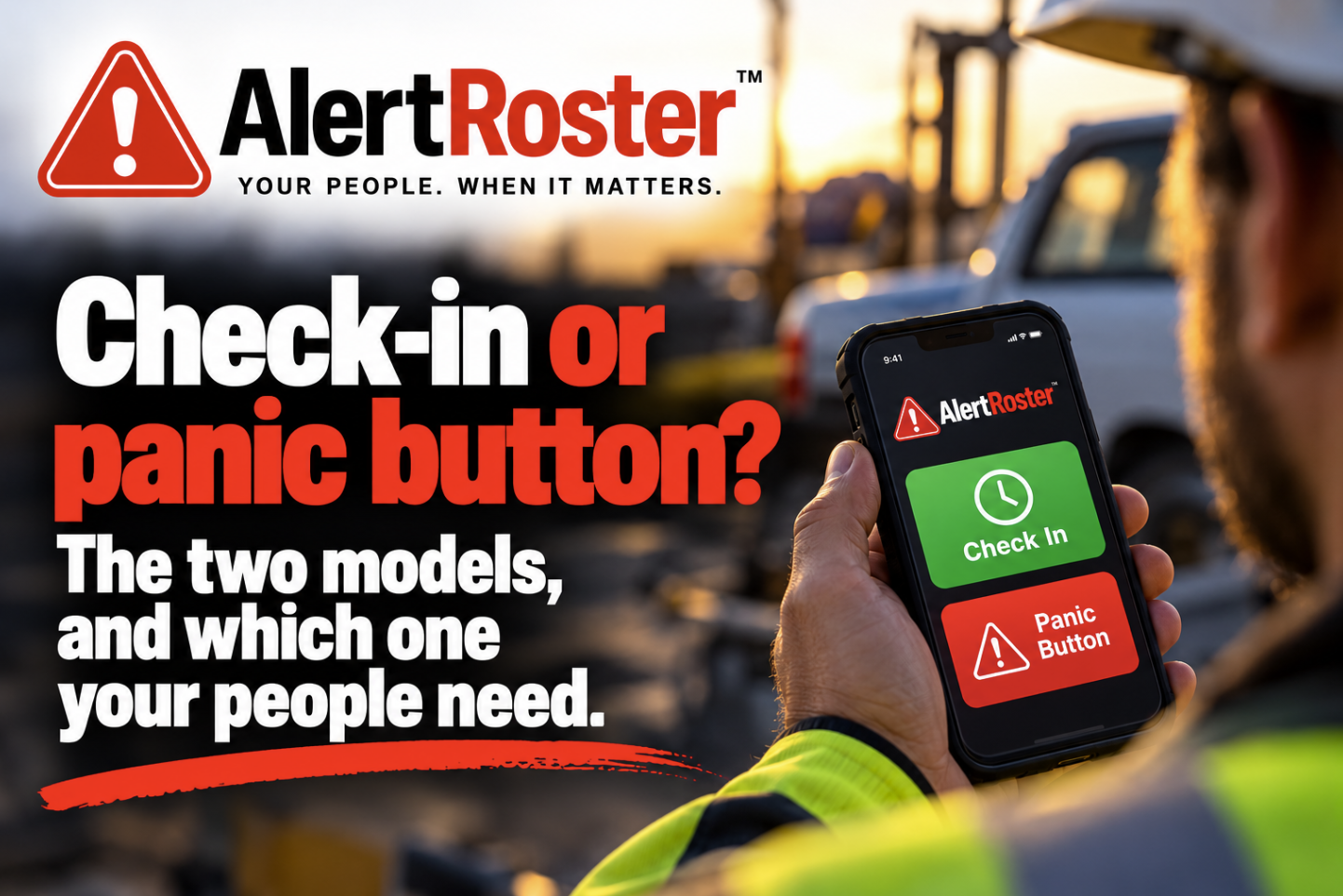
Every tool sold into lone worker safety is one of two things underneath, and the brochures are not always clear about which.
Model one, the button
The worker carries something they can activate. A press sends an alert with whatever location the system can produce. Hardware ranges from a dedicated device on a lanyard to a Bluetooth button in a pocket to an app on a phone.
What it is good at. Speed, and intent. When somebody presses a button, you know a person decided something was wrong. There is no ambiguity to resolve and no deadline to wait out. For a confrontation that is happening right now, nothing beats it.
What it fails at. It assumes the worker can press it. That is a bigger assumption than it sounds:
They are unconscious, or injured in a way that takes the hand out of play.
They are being prevented, which is precisely the scenario the button was bought for.
The button is in a bag, a coat on a hook, or a vehicle.
It is a phone, and the phone is locked. This one is worth its own paragraph.
Washington's rule is unusually blunt about the phone case. A device does not count as simple to activate if reaching it means entering passwords, clicking "through multiple screens or applications", or waiting for a system to start. A locked phone that has to be unlocked, with an app then found and opened, does not clear that bar. The state's own guidance adds that many consumer grade devices may not meet the effectiveness criteria at all.
Which is the real argument for a physical button, and it is not the argument usually made for it. The point is not that hardware is more reliable than software. The point is that a button is already in your hand.
Model two, the check-in
The worker commits to confirming they are fine by a deadline. The deadline passes without a confirmation, and the silence itself becomes the alert.
What it is good at. It requires nothing of the worker at the moment it matters. This is the only mechanism in the category that works when the person can do absolutely nothing, and the scenarios where somebody is hurt and cannot act are not the rare ones. It also covers the long tail that buttons never catch: a vehicle off a road where nobody saw, a fall in an empty building, a medical event with no witness.
What it fails at. Latency. A check-in finds you at the deadline, not at the incident. If the window is two hours, the gap can be two hours. For a hotel housekeeper facing a guest at the door, two hours is not a safety system, it is a record of when things went wrong.
So the answer is usually both, and the statutes agree
The useful thing about the laws now appearing in this area is that legislatures have, mostly, worked this out. They tend to mandate the button and then accept a schedule for the part the button cannot do.
Washington's rule on identifying a worker's location is the clearest example. It requires that location be identified specifically enough to allow assistance, and then lists acceptable methods, which include "a schedule of where the isolated employee would be at a certain time" and "an isolated employee providing status updates of their specific location as it changes".
Read that twice if you have been told you need location hardware. The location does not have to come from the device at all. A roster and a schedule satisfy it. A worker telling the system where they are satisfies it. That is a regulator describing a check-in system as an approved method.
New York went the other way and arrived at the same place. Its retail provision, effective 1 January 2027, permits a button that is "stationary and positioned throughout the workplace", or wearable, or phone based. Three form factors, employer's choice.
How this works in AlertRoster
We built the check-in first, because it is the half that is hard and the half most products skip. A worker arms a check-in with a deadline. If the deadline passes unanswered, the alert goes to the roster and keeps going until a person acknowledges, down an ordered list of people who agreed in advance to be reachable. It does not stop at one notification.
A button press enters the same machinery by a different door. The press raises the alert immediately rather than waiting for a deadline, and from there it escalates the same way, to the same roster, with the same record at the end. One escalation engine, two ways in.
Two deliberate choices worth stating:
A check-in has exactly one owner, the person who armed it. Their employer does not arm it for them and nobody watches someone else's. This is what keeps a safety tool from becoming a tracking tool, and workers notice the difference in the first week.
Watchers are free and unlimited. Every competitor we know of charges per watcher, which gives an account a financial reason to leave somebody off the roster. That is a safety problem dressed as a pricing decision, so we do not do it.
Where our limits are
Nobody at our company is watching. There is no staffed centre here. Alerts go to the roster you configure and escalate through your own people. We are not an emergency service. We contact one on your behalf only through automatic SOS on a Garmin inReach, which Garmin Response receives, and outside that we contact nobody but your own roster. We hold no life-safety certification. If your obligation requires a device that summons police directly, we cannot serve it, and we will tell you that in the first call rather than the tenth.
The question to take to every vendor
Ask what happens when the alert goes out and nobody answers. Then ask what happens when the worker cannot press anything at all. A product that has a good answer to only one of those is half a system, and the half it is missing is the one you will find out about at the worst possible time.
Not sure which of these you need
The honest answer depends on your shifts, your buildings and who is on the other end at 2am. That is a twenty minute conversation, not a demo.
Book a call — 20 minutes, and you will leave knowing whether this fits, including if the answer is no.
Not legal advice
This article describes what a published statute or rule says. It is not legal advice, and it is not a compliance opinion about your operation. Read the cited text, and take your own counsel's view before you rely on any of it.
What AlertRoster is, and is not
AlertRoster is a call-out notification and escalation tool. It notifies people who have agreed in advance to be notified, and records what happened. It is not an emergency service. It contacts one on your behalf only when your organization has turned on automatic SOS for a Garmin inReach registered to you: if you miss a check-in while your phone has no signal, the AlertRoster app declares an SOS on that inReach, and Garmin Response, Garmin's emergency coordination service, receives it under your organization's Garmin plan. It is not a fire alarm, a security alarm, or an alarm monitoring service, and it holds no life-safety certification. It is not a replacement for your team's official paging arrangements, and it should not be the only way a call-out can reach your people.
Sources reviewed October 2026. Statutes and rules change; if you are reading this long after that date, check the current text.
About the author
Jim Hankins is the founder and CEO of Cloud Bedrock, LLC and the developer of AlertRoster, which he first launched in 2009. A US Army combat veteran and a 42-year veteran of IT and software development, he has spent much of his career building emergency communications platforms, including as CTO of GEOS, the international emergency response coordination service later acquired by Garmin.